
View All Blog Posts
January 30, 2026



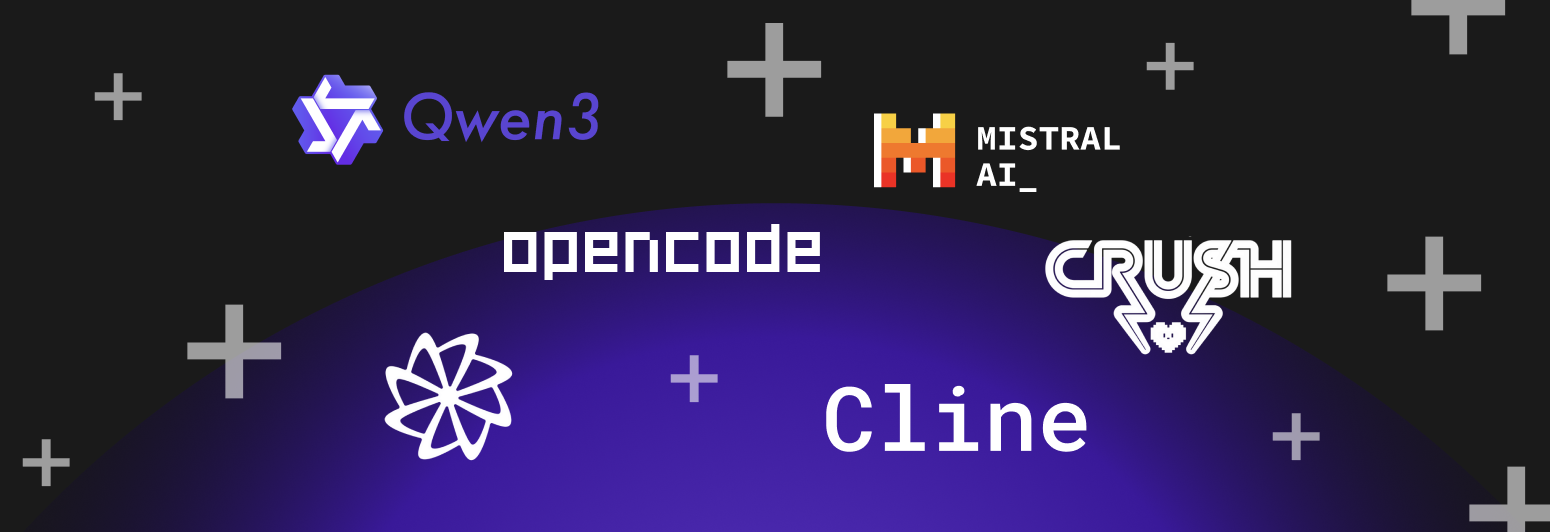
DevSwarm 1.1.5 brings the largest expansion of supported AI agents in any single release. You can now run Mistral Vibe, Qwen Code, Droid, Qodo, Cline, Crush, and Open Code alongside existing favorites like Claude Code, Gemini, Codex, and Copilot.
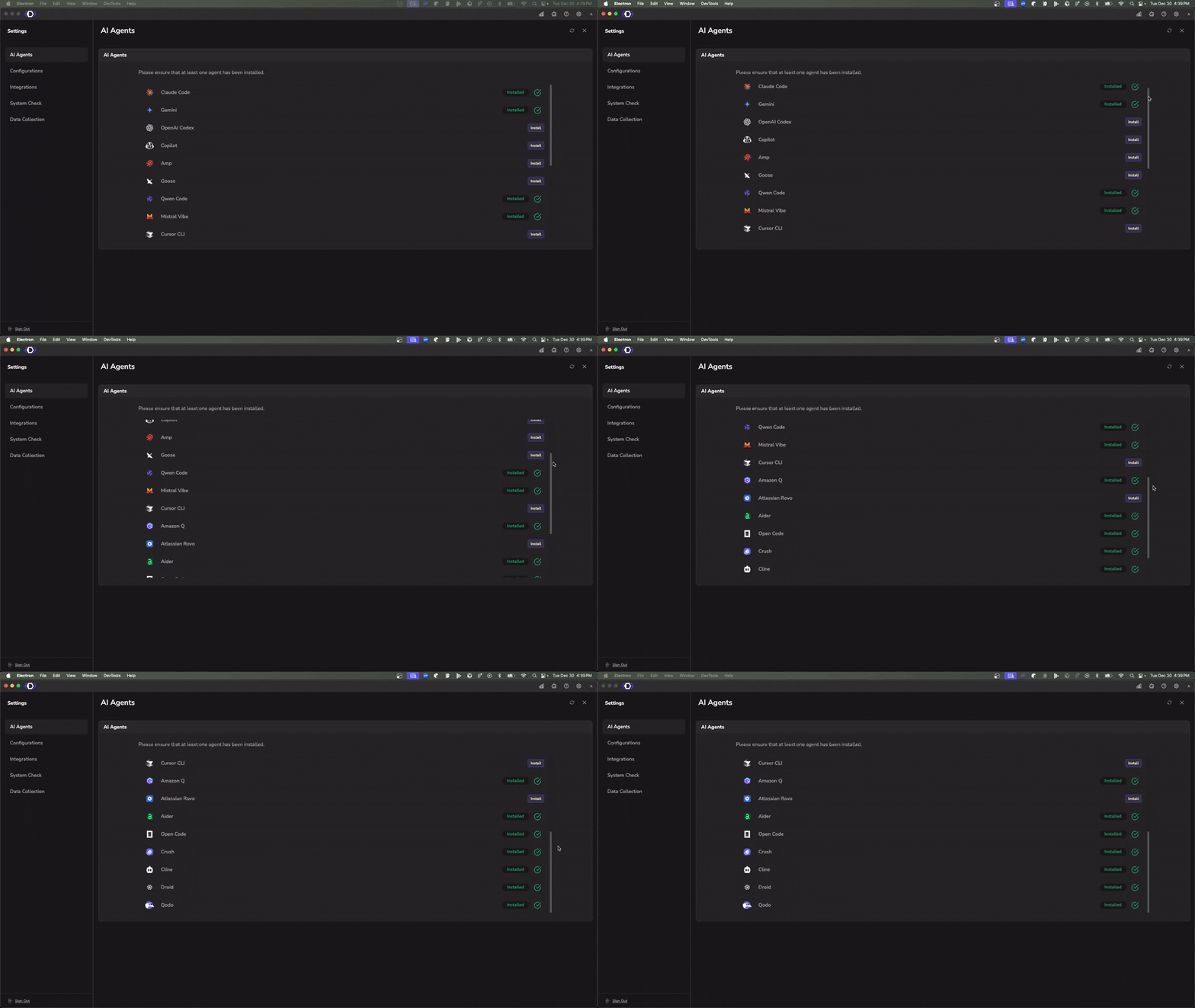
More agents means more options. Each assistant has different strengths: Qwen excels at local inference, Cline integrates tightly with VS Code workflows, and Qodo brings test-focused suggestions. With DevSwarm, you can run them in parallel on isolated branches and pick the best result.
We've also reorganized the agent list to prioritize primary agents (Claude Code, Gemini, Codex, Copilot) for easier discovery.
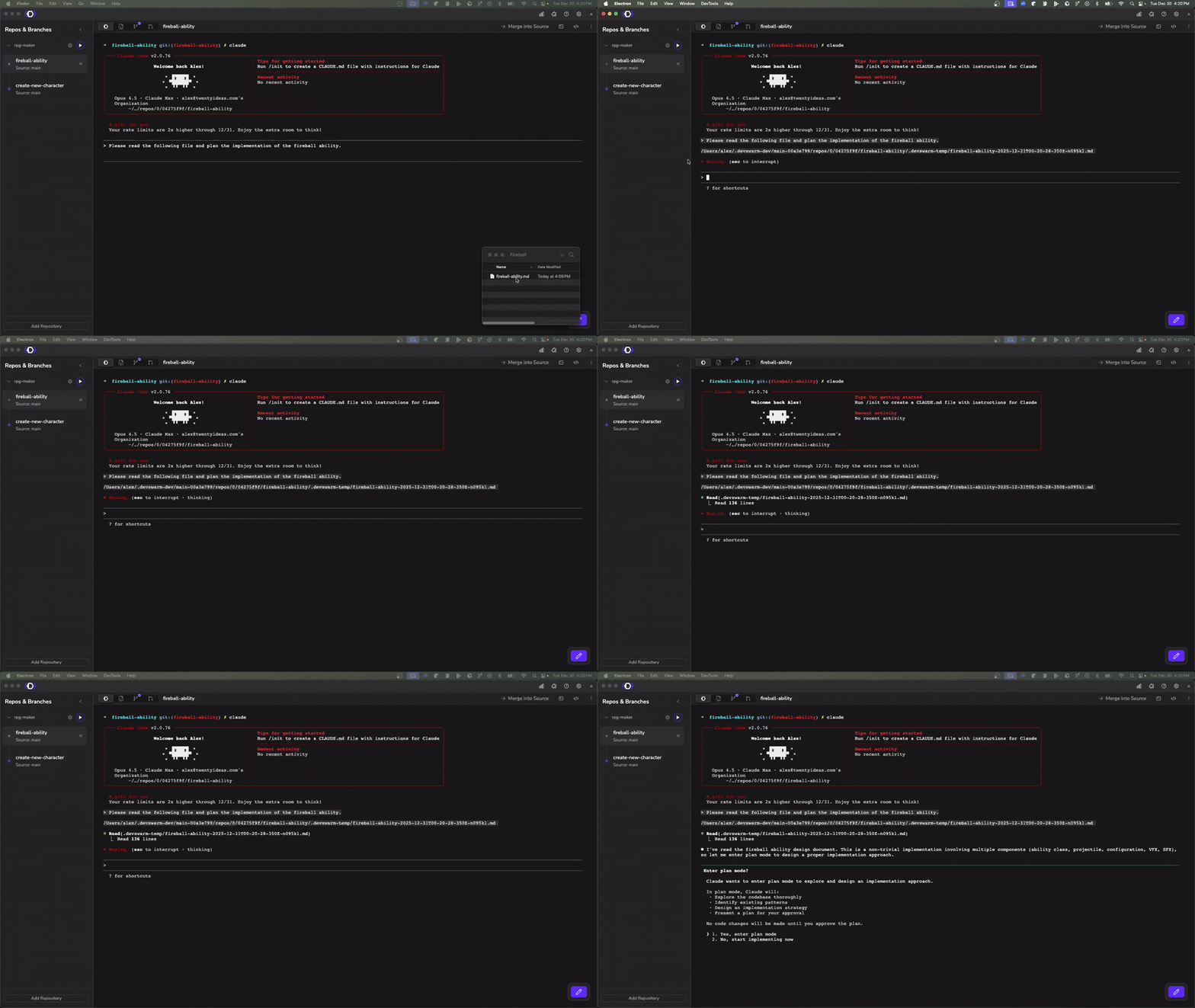
Enhanced file handling makes it easier to reference files in your prompts. You can now drag and drop files directly into the AI Terminal, and DevSwarm will automatically insert the path with visual feedback. We've also improved clipboard paste functionality for files.
A new profile menu in the navbar shows your avatar and subscription status at a glance. Click to access account management, billing, or sign out without hunting through settings.
Repository environment variables now propagate when launching code editors. If you've configured env vars for a repo in DevSwarm, they'll be available immediately when you open the project in your IDE.
GitHub authentication now maintains your signed-in state during transient network issues, so you won't get unexpectedly logged out. We resolved overnight crashes caused by PTY file descriptor exhaustion, meaning power users can leave DevSwarm running without worry. Error logging has also been cleaned up to reduce noise from expected system check failures.
DevSwarm 1.1.5 is available for download at devswarm.ai/download. Existing installations will auto-update.
Questions? See our FAQ or contact us.

