


Connect and deploy your favorite AI assistant x10, and manage your Swarm without breaking flow
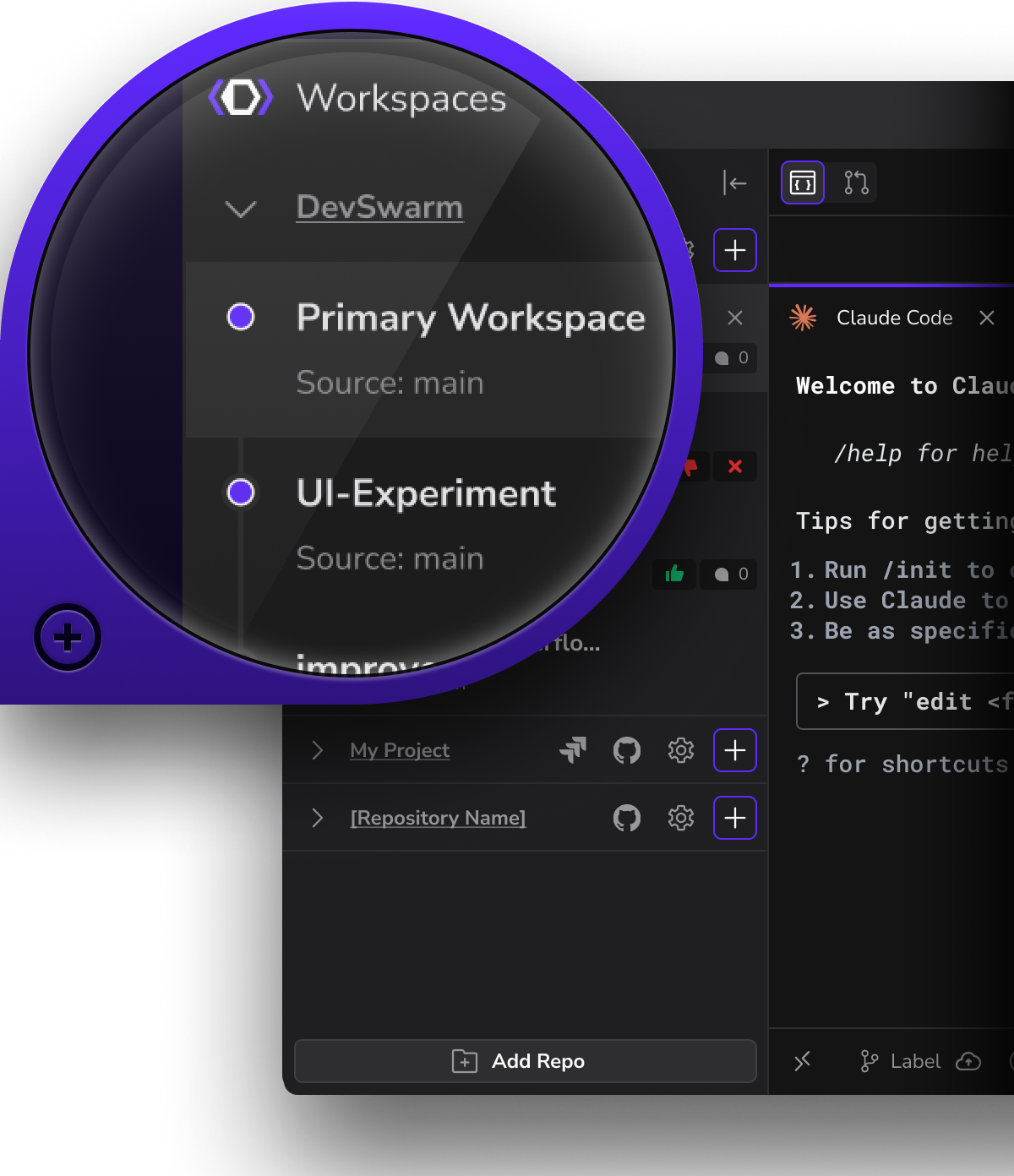
Iterate on branches concurrently in dedicated workspaces, each with its own AI code builder.

Achieve peak multithreading with isolated AI agents for testing, bugfixes, and feature dev
Code, review, and revise simultaneously across branches, get from idea to merge in minutes
Connect DevSwarm to one or more coding agents (19+ options)
Mix and match cloud-hosted and local agents in the same repo
Same prompt, multiple agents, live comparison
Future-proof: As new agents launch, DevSwarm becomes your switching layer, not another wall

See your Jira issues directly inside DevSwarm! No tab switching or lost context.
Start builders from tickets instantly to turn tasks into active workspaces.
Link commits and progress automatically to Jira so development stays in sync and traceable.
Push, pull, commit, and merge - all without leaving DevSwarm.
Manage branches, handle pull requests, and review changes in one unified workspace.
Stay synced with your GitHub repos while your AI builders code, test, and commit alongside you.
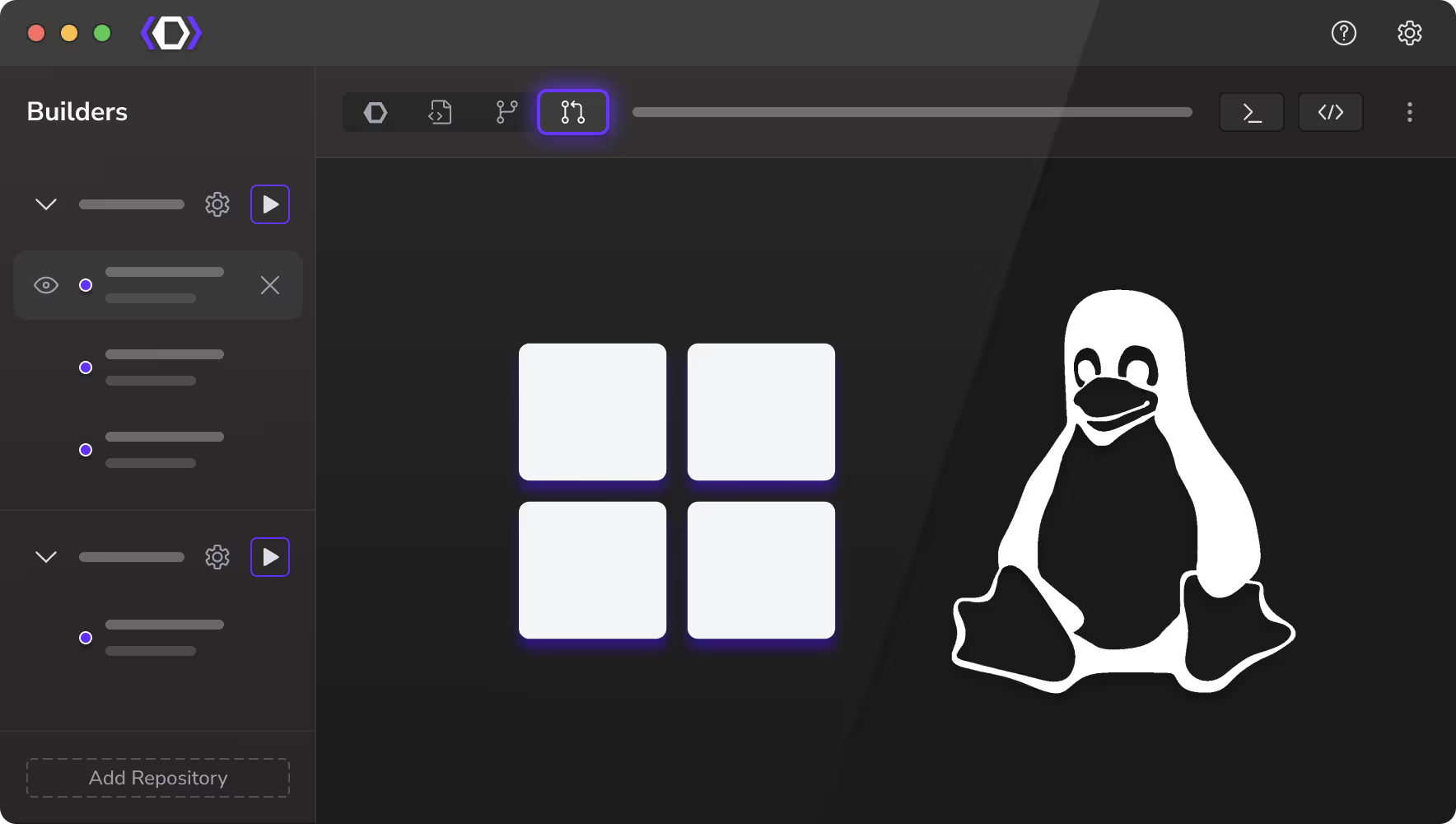
Run DevSwarm natively on Windows - now fully optimized with WSL integration.
Spin up builders, branches, and environments seamlessly between Windows and Linux.
Enjoy full terminal parity and performance without setup friction or compatibility gaps.
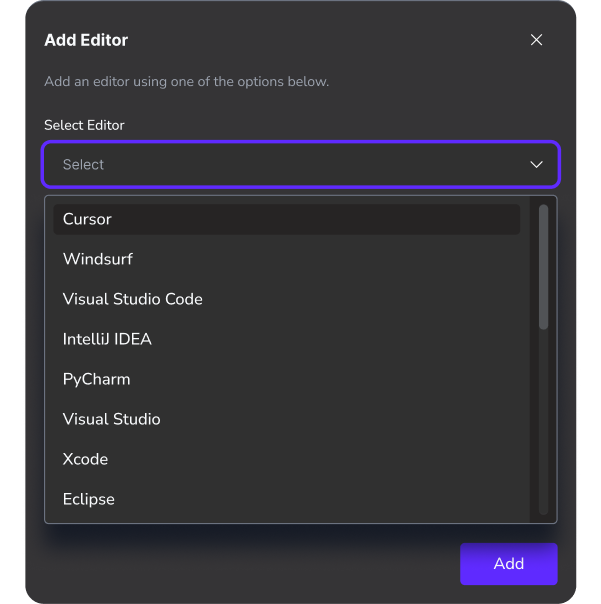
Get started with your current IDE, and switch it up at any time
Use DevSwarm to complement your favorite code editor (choose from 20+ options)
Switch it up as your project needs and preferences evolve
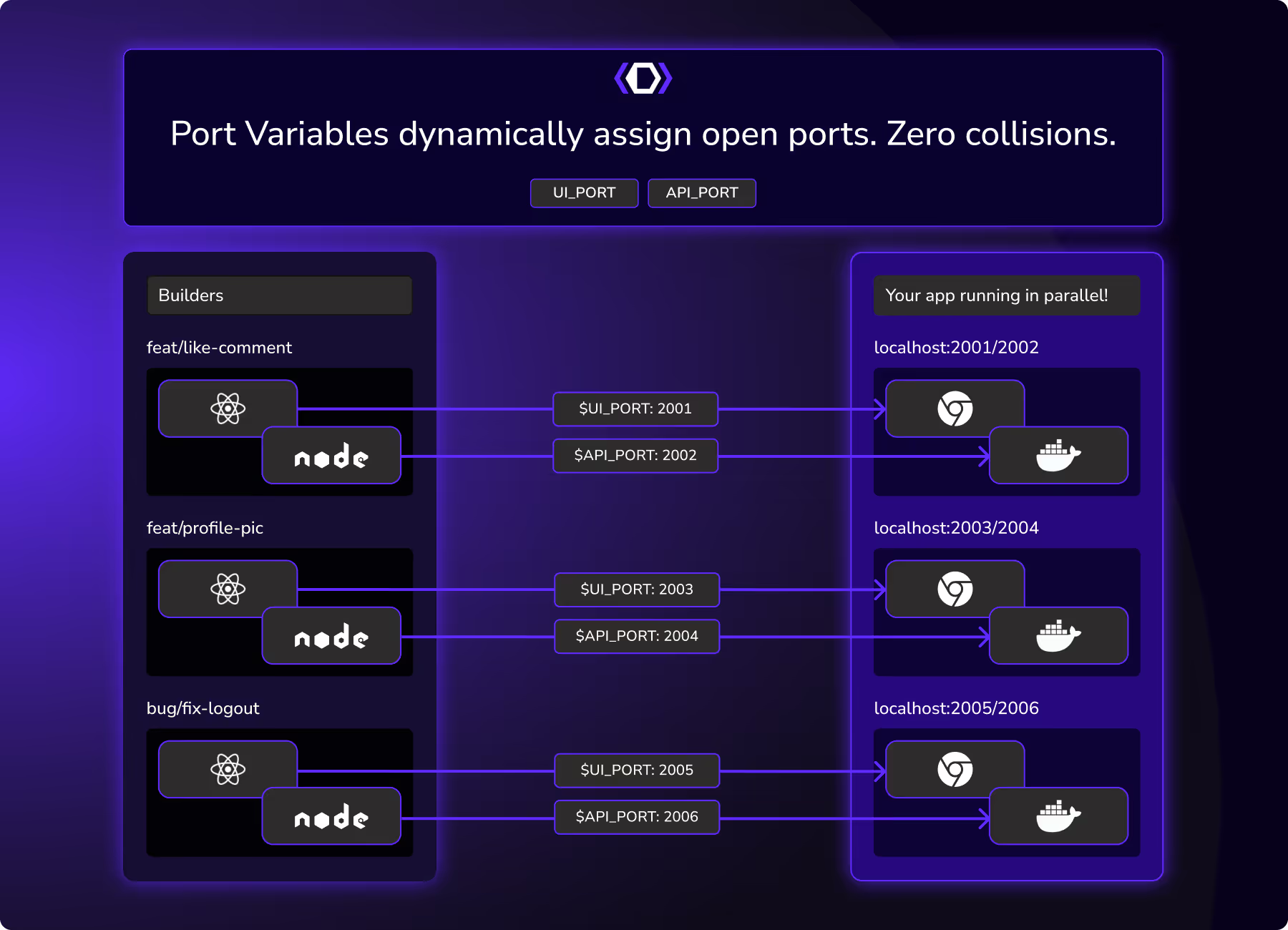
Forget “address already in use” errors and server restarts.
Create independent, conflict-free branches with auto-handled port mapping
Test multiple versions of your app side-by-side without Docker pain

A vendor-neutral layer that connects all your coding agents into one workspace.

Lets you run agents from different vendors and local models in parallel on the same codebase.

Keeps everything local‑first and Git‑native, so your security, workflow, and tooling stay intact.

