
View All Blog Posts
February 26, 2026



DevSwarm 2.0 represents the most significant update in the product's history: a complete rethinking of how developers manage parallel AI-assisted work. What began as a terminal orchestrator for AI coding agents is now an integrated development environment where every task, every agent session, and every file change lives in a single organized workspace. The goal is straightforward: let developers work on multiple things at once without losing track of any of them.
Previous versions of DevSwarm focused on the terminal as the primary interface: each workspace gave you an AI agent running in a terminal, and you opened your preferred external editor separately to inspect the results. This approach worked, but it introduced friction. Every time you needed to read a file, check a diff, or review what your agent had written, you left DevSwarm to do it somewhere else. Multiply that friction across three or four parallel tasks, and the context switching became the bottleneck rather than the coding.
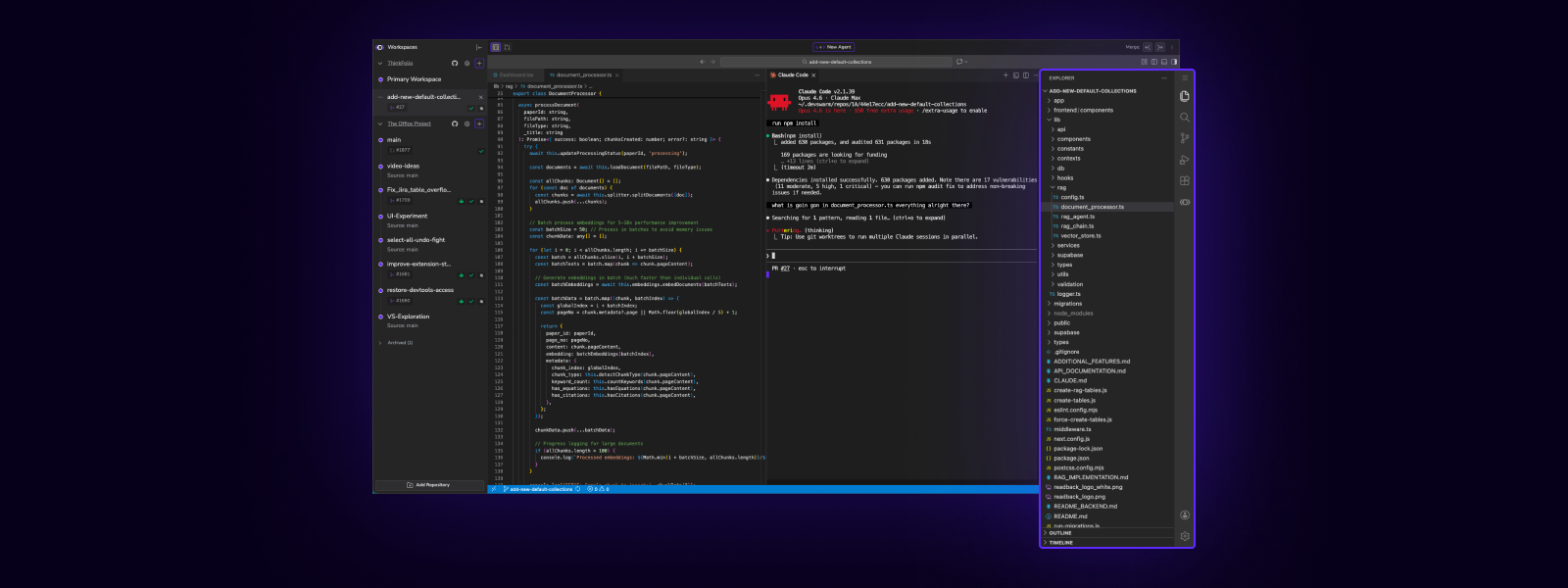
DevSwarm 2.0 eliminates that split. Each workspace now includes a full code editor built on the same open-source codebase that powers VS Code, running directly inside the application on macOS and Windows. You get the full editing experience: IntelliSense, syntax highlighting, the file explorer, and extension support through the Open VSX Registry. More importantly, you get all of this alongside your AI terminal sessions, your diffs, and your git controls within the same window. The result is a workspace where nothing requires you to leave in order to understand what's happening.
When you're running several AI agents across different branches, the practical challenge isn't the AI itself: it's keeping track of everything. Which agent is working on which feature? What files has it changed? Is that branch ready to merge? Previous approaches to parallel AI coding left developers managing a constellation of terminal windows, editor instances, and browser tabs, with no single place to see the full picture.
DevSwarm 2.0 addresses this directly. AI terminal sessions live inside the editor tab bar, alongside open files, diffs, and previews. Switching between what your agent is doing and what it's changed is as simple as clicking a tab, and each workspace keeps its own set of open files and sessions so nothing bleeds between tasks. Each workspace maps to a task and a branch, so the organizational structure is built into the interface rather than existing only in your head.
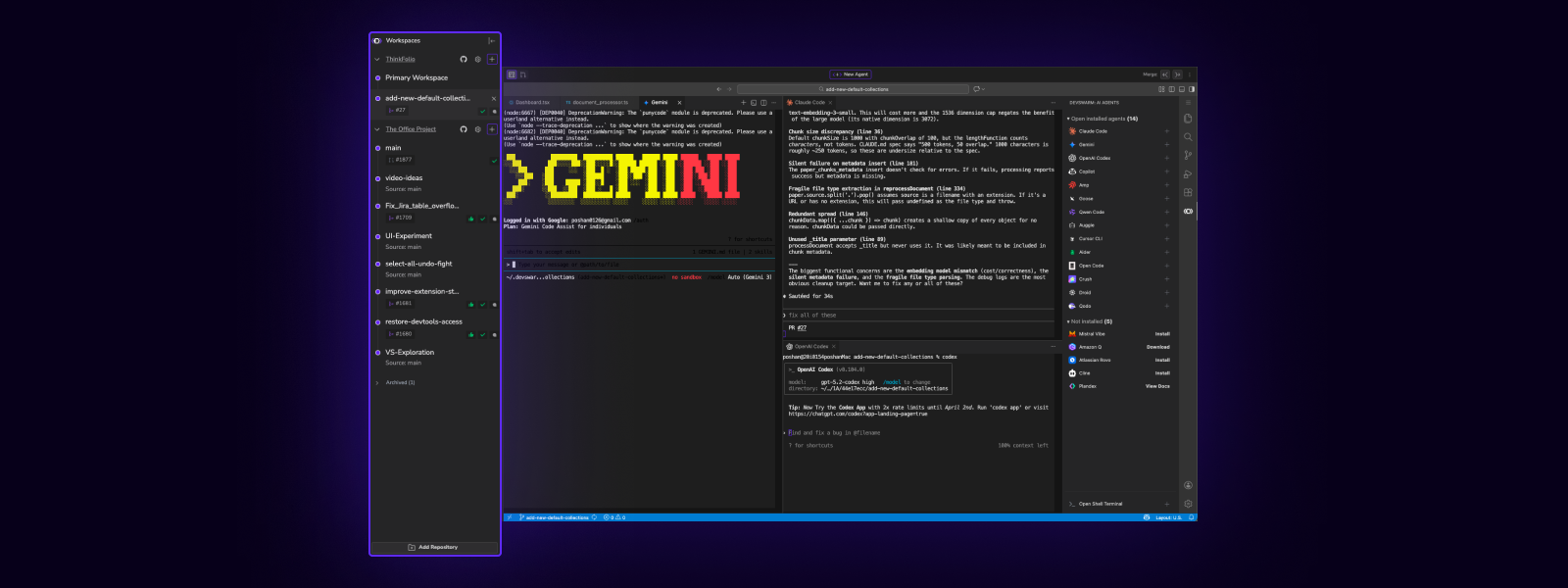
This design reflects a core DevSwarm principle: the AI agent is the primary driver of work, and the editor exists to support the agent's output. Rather than treating AI assistance as a sidebar feature within an editor, DevSwarm treats the editor as a companion feature within an AI-first workflow. If a traditional IDE is an Integrated Development Environment, what DevSwarm offers might be more accurately described as an Augmented Development Environment: one where AI doesn't assist the developer inside an editor, but the editor assists the developer alongside AI.
The integration extends to visual cohesion. Design system tokens are shared across the editor and DevSwarm's sidebar and toolbar, so the experience feels like one application rather than two bolted together.
The core promise of DevSwarm has always been parallelism: run multiple AI agents on separate tasks simultaneously instead of feeding them to a single assistant one at a time. DevSwarm 2.0 makes that parallelism feel seamless.
Each workspace is a self-contained unit: one repository, one branch, one agent, one task. Creating a new workspace spins up a fresh environment without disrupting anything already in progress. Cycling between workspaces is instant, so checking on an agent's progress or reviewing its output doesn't interrupt the flow of another task. When a workspace's branch is ready, merge and rebase controls are available directly in the toolbar, keeping the entire lifecycle from task creation to integration within a single surface.
The effect is that parallel development stops feeling like plate-spinning and starts feeling like organized, deliberate work. Five features across five branches with five AI sessions is a manageable afternoon, not an exercise in window management. A toolbar above the editor provides mode switching between Build and Review views, along with git and file explorer controls. Keyboard shortcuts keep the experience fluid for developers who prefer not to reach for the mouse.
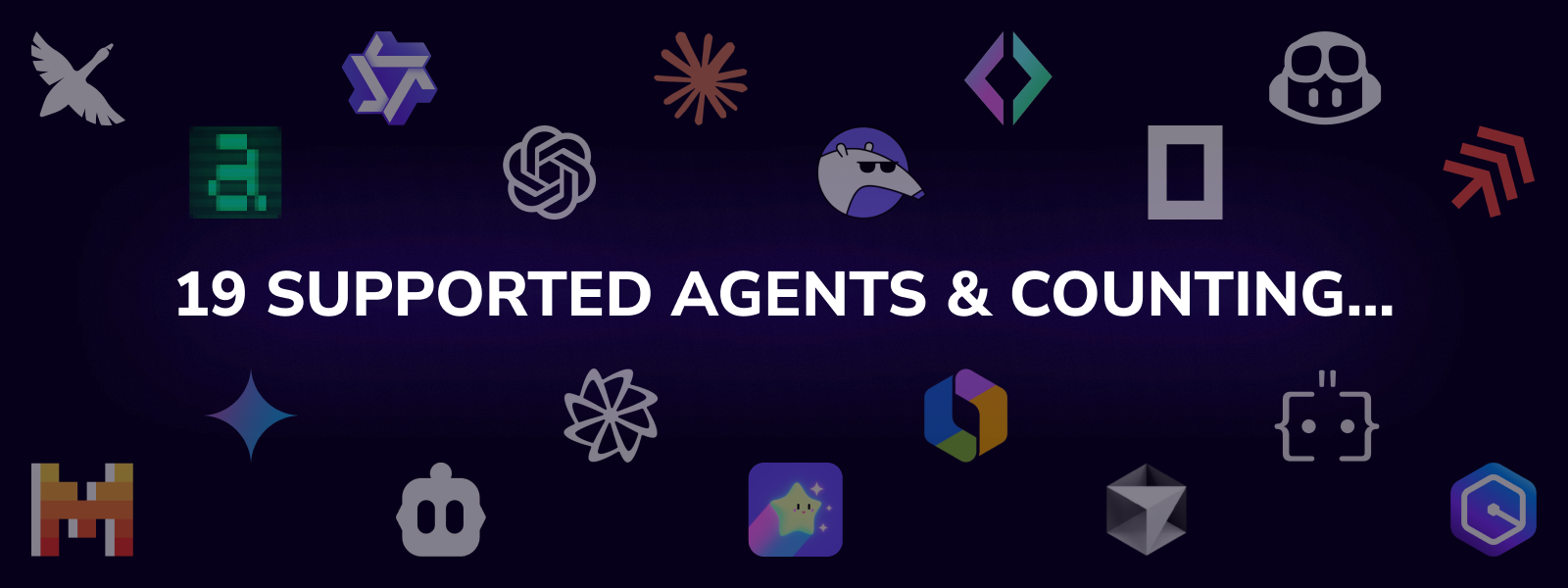
DevSwarm supports a broad range of AI coding agents, from Claude Code and GitHub Copilot to Gemini, Amazon Q, Aider, and many others. Rather than coupling to any single provider, the platform treats agents as interchangeable: developers choose the right tool for the task at hand and can switch between them across workspaces. An agent that excels at large refactors may not be the best choice for a quick bug fix, and DevSwarm makes it straightforward to use both in parallel. Agent availability is surfaced directly in the sidebar, so setup status is always visible.
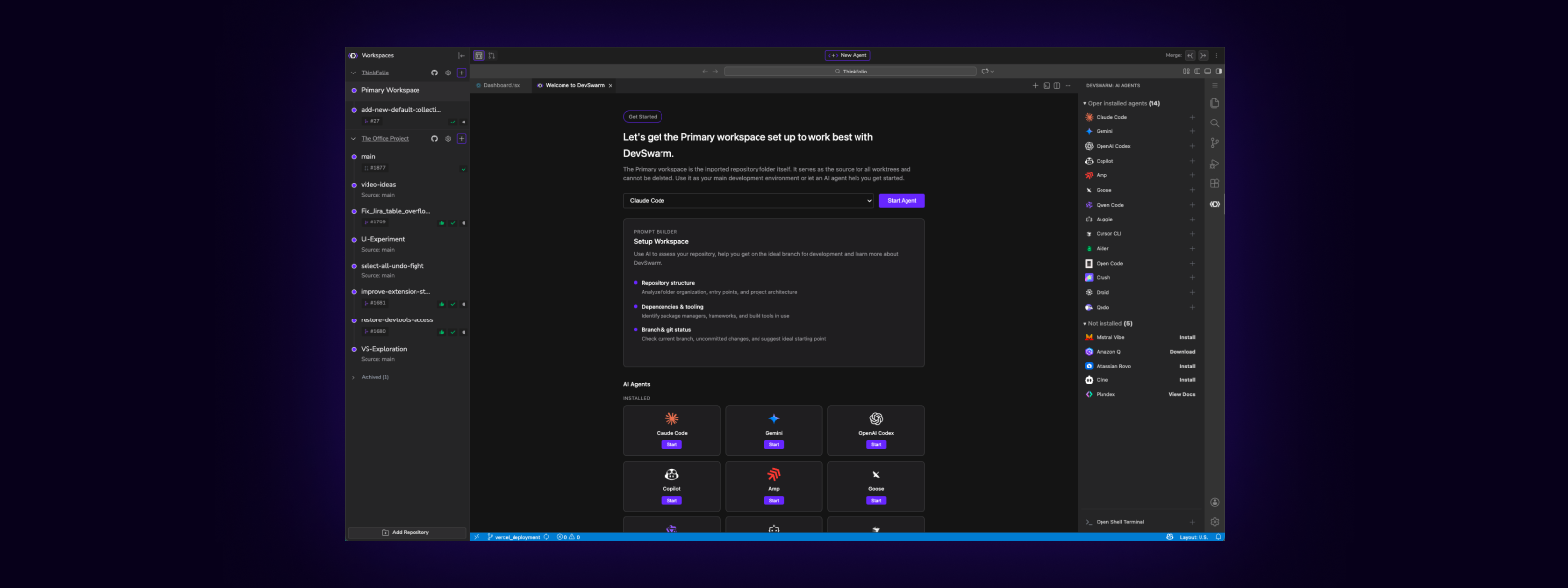
New users will encounter a completely redesigned welcome flow. When you first launch DevSwarm 2.0, the application creates a Primary Workspace automatically: a persistent workspace pinned to the top of the sidebar that serves as a starting point for exploring the interface. The welcome screen walks through agent selection, repository setup, and the basics of parallel development without requiring extensive configuration before the first interaction.
The Add Repository modal now prioritizes GitHub clone as the primary path for adding repositories, with automatic Git installation detection and a one-click install button for developers who don't yet have Git configured.
Beyond the onboarding changes, DevSwarm's GitHub integration has been refined in several other ways. Clone operations now strip OAuth tokens from remote URLs after cloning, addressing a security concern where credentials could persist in the repository's git configuration. Pull request management has been improved with server-side filtering to avoid GitHub API rate limits, and the interface degrades gracefully when API errors occur rather than blocking the entire view.
DevSwarm 2.0 delivers substantial improvements for Windows users. PowerShell-compatible command syntax replaces bash-specific patterns that previously caused issues when resuming AI sessions. Path normalization handles the differences between forward and back slashes that arise when Git and the Windows filesystem disagree. CLI installation detection now checks both User and System PATH locations, and the application itself is properly draggable on Windows, addressing a long-standing visual issue.
DevSwarm 2.0 is available under a restructured pricing model designed to lower the barrier to entry. The Free plan includes access to all 19 agents, a full VS Code IDE in every workspace, and branch-isolated parallel development. Pro, at $8 per month, removes ads and adds email support along with priority updates and early features; students get Pro free with .edu verification. Team, at $18 per month, brings Jira-based work intake directly into DevSwarm workspaces, GitHub PR review inside the application, and team onboarding and enablement. DevSwarm never charges for AI tokens: users bring their own API keys or subscriptions, and every dollar spent on AI goes directly to the provider.
DevSwarm 2.0 is available now at devswarm.ai. The integrated IDE and the organizational model it enables lay the groundwork for deeper integrations between AI agents and the editing environment in future releases. The direction is clear: make parallel AI-assisted development not just possible, but the natural way to work.
All names and trademarks are the property of their respective owners; use of such names and marks does not imply affiliation or endorsement by their owners.

