
View All Blog Posts
March 17, 2026



Git worktrees solve the hardest technical problem in parallel AI development: isolation. Each branch gets its own directory, each AI agent gets its own sandbox, and the race conditions that plague multi-agent workflows in a single folder disappear entirely. If you have read our earlier piece on why DevSwarm uses worktrees instead of multiple terminal windows, you know that worktrees are the foundational abstraction that makes concurrent AI coding safe. But safety is not the same thing as productivity. A worktree gives you a folder on disk. Professional development demands considerably more than that.
The shift toward AI coding agents has pushed a surprising number of developers back into the terminal. Tools like Claude Code, Gemini CLI, and Aider run in a shell, and for a single task on a single branch, that works fine. The moment you scale to parallel workflows across multiple worktrees, the terminal-only approach breaks down: not because of the terminal itself, but because of everything you lose when you leave your IDE.
A modern IDE is the accumulated context of your development environment: language servers providing type information and inline errors, debugger configurations tuned to your project, extensions for your framework and your linter and your test runner, workspace settings that control formatting and build behavior, and the spatial memory of having your file tree and open tabs arranged the way your brain expects them. The 2025 Stack Overflow Developer Survey found VS Code at 73% market share among professional developers, and the extension ecosystem is a significant reason why. Developers do not just use VS Code: they customize it extensively, and those customizations represent real productivity infrastructure.
When a developer creates a worktree and points an AI agent at it, they get isolation. They do not get their IDE, their extensions, their debugger, or any of the affordances that make navigating a codebase fast rather than tedious. The agent generates code, but the developer reviews it in a degraded environment: reading diffs in the terminal instead of a side-by-side view, grepping for references instead of using "Go to Definition," mentally reconstructing project structure instead of glancing at a file tree. This is not a minor inconvenience. It is a workflow regression that compounds with every additional worktree.
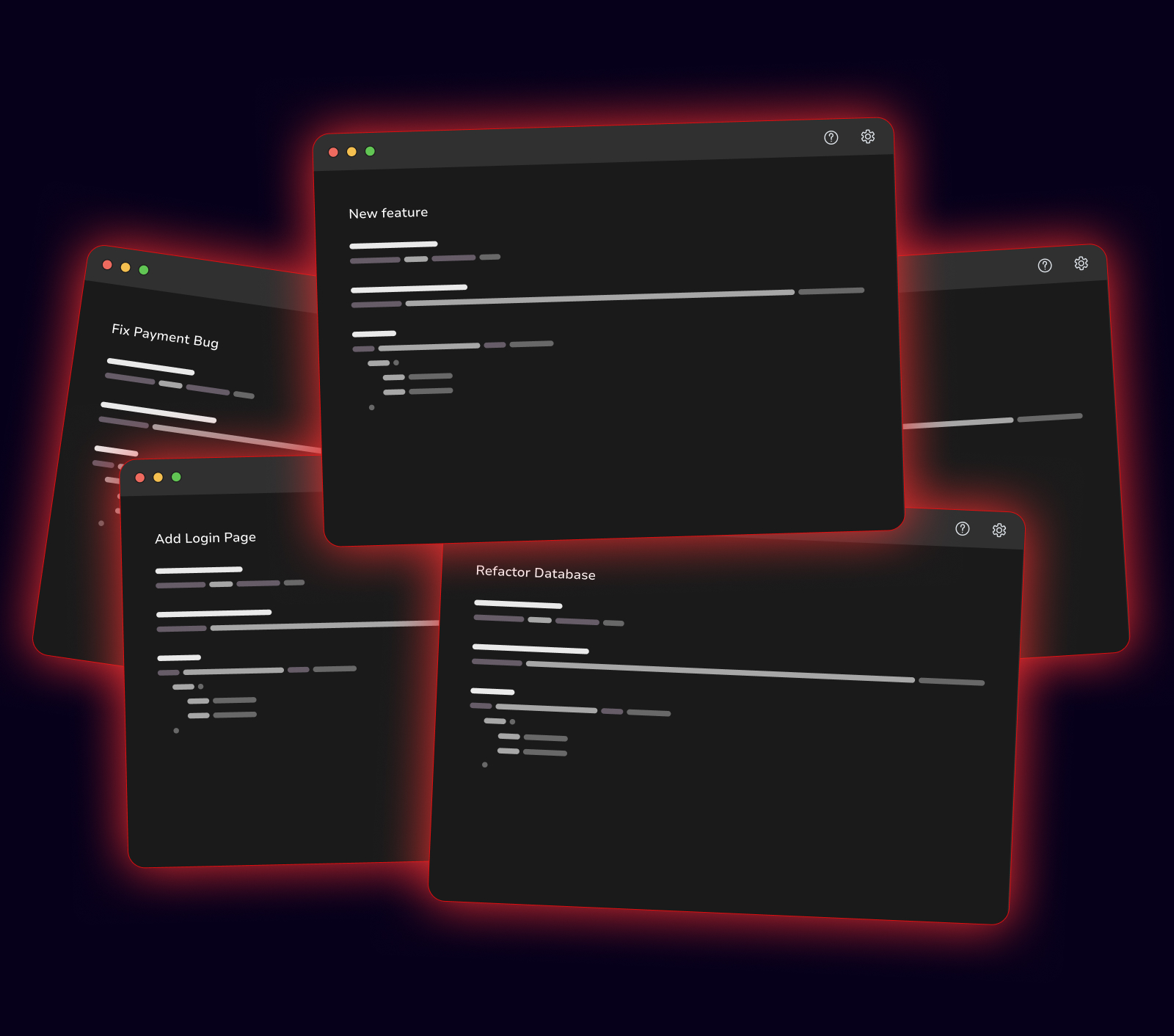
The obvious solution is to open a separate IDE window for each worktree. VS Code supports this: run code /path/to/worktree and you get a full editor instance pointed at that directory. In theory, worktree isolation plus full IDE capabilities.
In practice, a different kind of chaos. Two VS Code windows look identical except for the folder name in the title bar, which most developers do not read. Five are genuinely unmanageable: same color scheme, same layout, same icon in the dock. The cognitive load of tracking which window corresponds to which task replaces the technical problem of file conflicts with the human problem of context confusion. It works for about twenty minutes before you run a command in the wrong window or edit a file on the wrong branch. IDEs were designed as the single, primary interface to a single project context. Running five simultaneously violates that assumption in ways the interface cannot compensate for.
Terminal-based workflows scale reasonably well to multiple concurrent sessions. Terminals are lightweight, visually distinct when labeled, and familiar to developers who already use tmux or tiled terminal managers. This is why most multi-agent approaches, including Claude Code's own --worktree flag and subagent system, are terminal-native: the terminal is the one interface that does not collapse under the weight of parallelism.
But the terminal's scalability comes at the cost of everything the IDE provides. Code review means raw diffs. Navigation means grep. Debugging means print statements. For the generation phase, where the agent writes code autonomously, this trade-off is acceptable. For the review phase, where the developer needs to understand and evaluate what the agent produced, it is a serious bottleneck. The METR study that found AI tools making experienced developers 19% slower identified review overhead as a key contributor. A workflow that makes generation parallel but leaves review in a degraded environment has not solved the productivity problem: it has moved the bottleneck from generation to review, and review is the phase where human judgment is most critical.
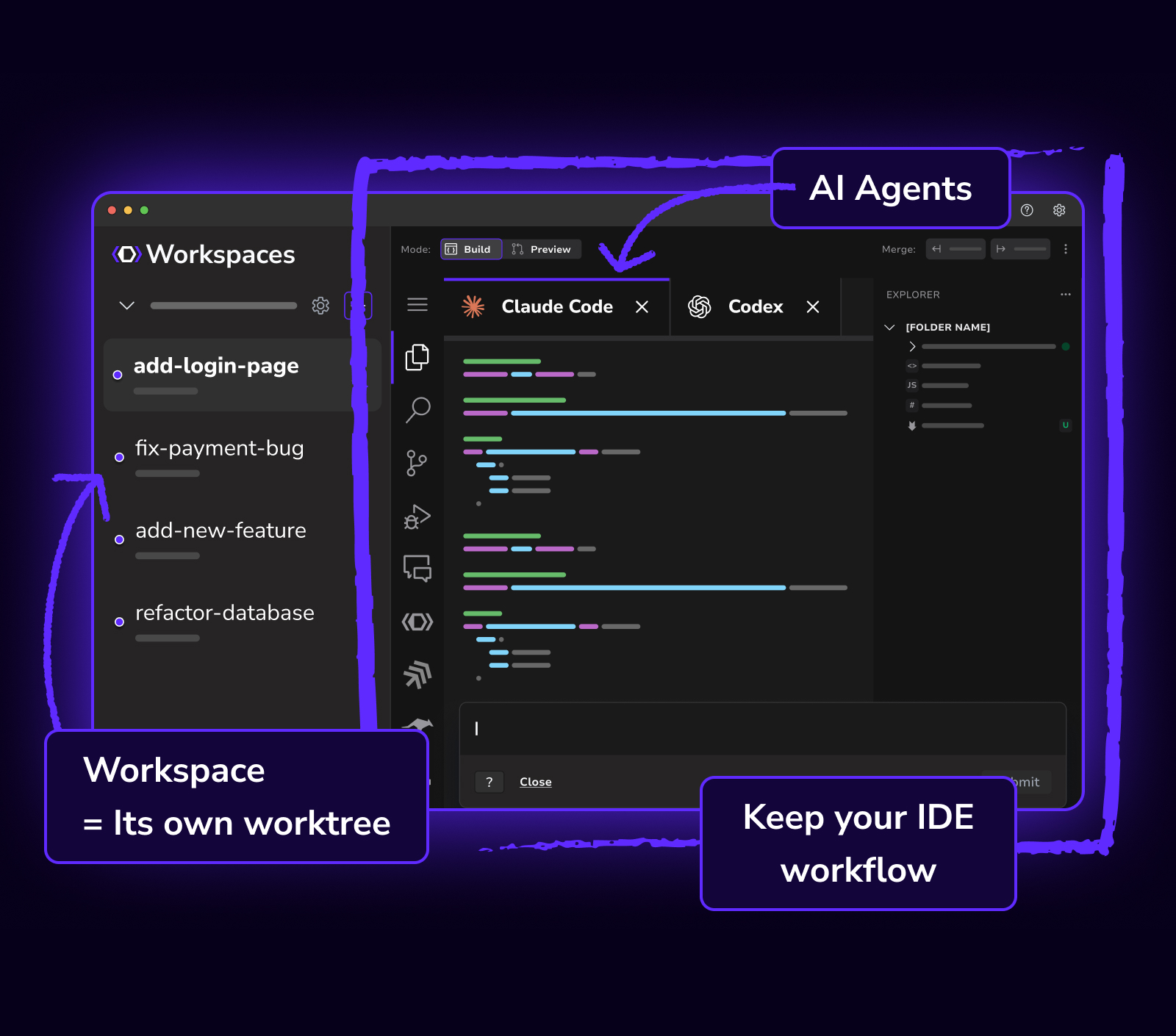
DevSwarm 2.0 introduced an embedded code editor built on the VS Code open-source codebase. This is not a VS Code extension or a lightweight code viewer: it is a full VS Code environment running inside each workspace, with the same extension support, the same language servers, and the same editing experience developers already know. When you create a workspace, you get an IDE instance scoped to that worktree, with your extensions loaded and your configuration intact.
Instead of alt-tabbing between identical-looking windows, each workspace in DevSwarm is a single, unified context: agent terminal, file tree, editor, and diff viewer all in the same pane, clearly labeled and accessible through keyboard shortcuts. Switching between workspaces is a single keypress that changes the entire view to a different task, a different branch, and a different agent, with full IDE capabilities in each.
This also resolves the extension ecosystem question that looms over newer AI-native editors. JetBrains recently launched JetBrains Air, an agentic development environment built on the Fleet codebase that JetBrains otherwise abandoned in 2025. Air is architecturally separate from the IntelliJ platform, which means the vast plugin ecosystem that makes IntelliJ, PyCharm, and WebStorm valuable to their users does not carry over. Air instead uses the Agent Client Protocol (ACP) for extensibility, a promising but nascent standard with a fraction of the ecosystem that IntelliJ or VS Code developers rely on today. DevSwarm sidesteps this trade-off entirely by building on VS Code's codebase, inheriting its extension ecosystem rather than starting from zero.
Worktree isolation solves file-level conflicts, but professional projects depend on more than source code. Environment variables, local configuration files, port assignments for development servers: these determine whether a project actually runs, and they do not automatically follow a worktree.
DevSwarm handles this as part of workspace creation. Configuration files like .env are copied into the worktree, port allocation is managed across workspaces to prevent collisions, and the agent's terminal inherits the environment it needs to build, run, and test the project. Isolation without operational readiness is incomplete isolation: the workspace should be ready to run from the moment it is created.
The AI development tools landscape is fragmenting rapidly, with new editors, new agents, and new workflows appearing weekly. Many ask developers to abandon their existing environment in favor of something purpose-built for AI, implicitly arguing that AI-assisted development is so different it requires entirely new tooling.
DevSwarm makes the opposite bet. VS Code, Git, terminal-based AI agents, established extension ecosystems: these are infrastructure worth preserving and building on. Developers have invested significant effort configuring their environments and building muscle memory around their workflows. An AI platform that requires abandoning all of that is not removing friction: it is adding a different kind. DevSwarm adds a coordination layer on top of tools developers already use, so that AI fits into the existing workflow rather than replacing it. Worktrees are the foundation, but the IDE, the configuration management, the unified interface, and the lifecycle automation are what make parallel AI development actually work in practice.

