

Scale AI-assisted development across
your team

DevSwarm helps engineering teams run parallel AI coding workflows with the structure needed for real software delivery.
AI coding does not fail because developers lack tools.
It fails when teams lack structure.
Teams cannot scale AI-assisted development through scattered terminals, local worktrees, disconnected prompts, Jira comments, and GitHub PRs. As AI coding becomes the norm, teams need a shared way to organize the work.
 Multiple agents create more branches, PRs, and partial work.
 - Jira and GitHub show outcomes, but not always the active workstream.
- Managers need visibility without interrupting developers.
- Reviewers need context, not just diffs.
- Teams need consistent workflows across different agents and models.
Individual AI tools help one developer move faster.
Developers move fast with their own agents, but work spreads across scattered terminals, local worktrees, disconnected prompts, and separate GitHub PRs. Teams inherit the coordination overhead with no shared visibility and no structure to keep it together.
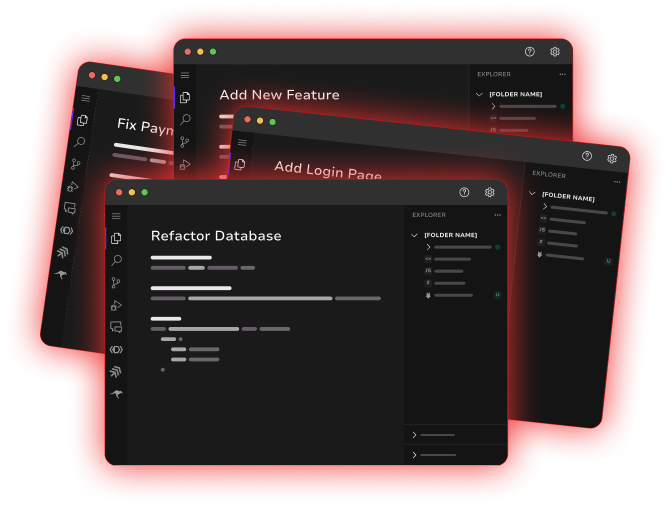
DevSwarm keeps the whole team's work organized, visible, and connected to delivery.
One command center for branch-isolated workspaces, agent sessions, full IDE context, Jira work intake, and GitHub review. Every workspace is visible, traceable, and connected to the delivery process from ticket to merged code.
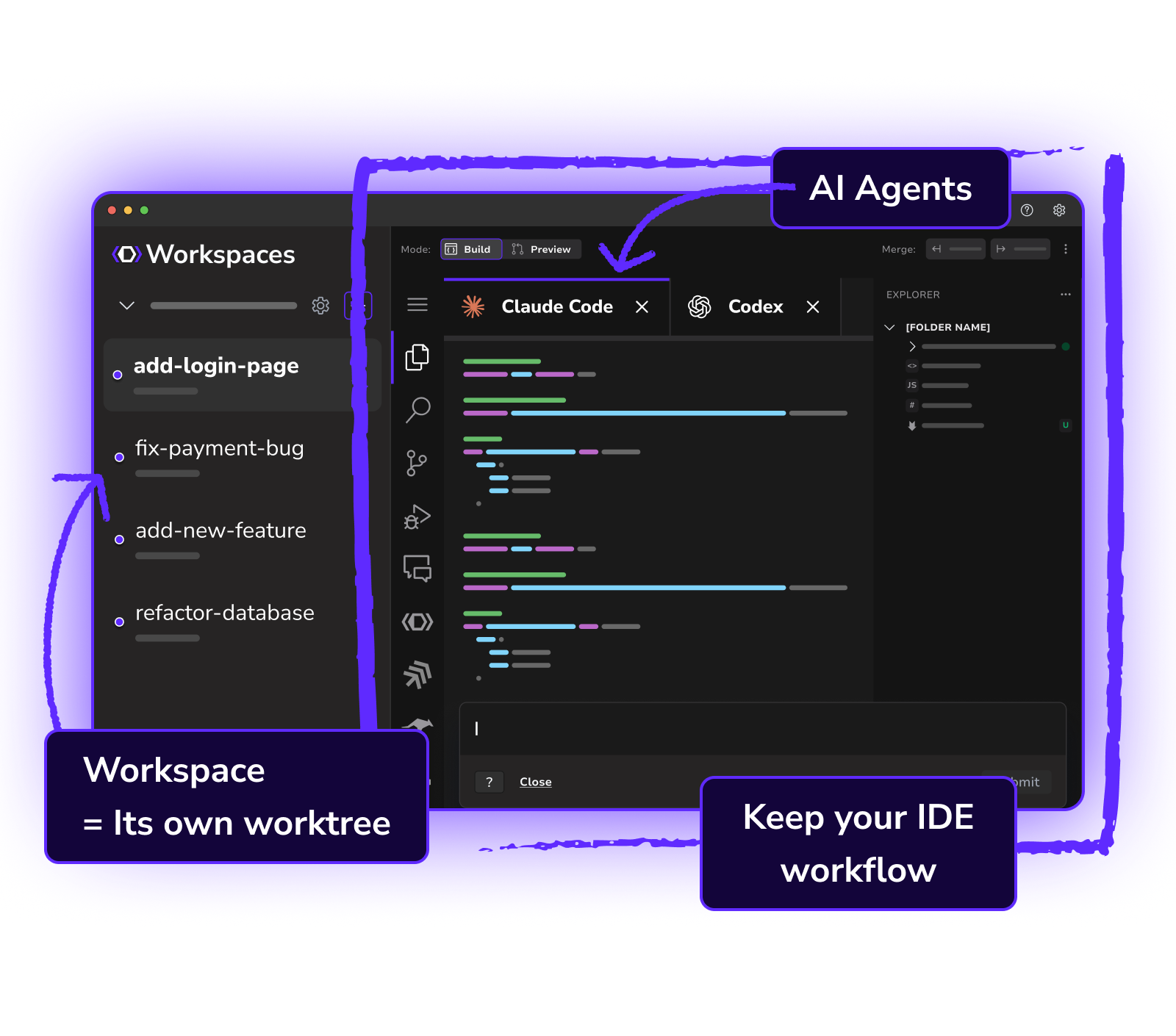
One operating layer for parallel AI development
DevSwarm gives teams the structure that individual tools cannot provide:
shared visibility, branch isolation, and a direct line from ticket to reviewed, merged code.
Workspaces map work to branches
Every workspace is isolated, organized, and tied to the branch where it belongs. No worktree confusion, no lost context.
Jira tickets become active development spaces
Pull planned work in and tickets become traceable coding workspaces, not disconnected backlog items sitting in a queue.
GitHub review stays close to the work
Review, compare, and merge AI-assisted code without losing the workspace context that explains why changes were made.
Full IDE for every workspace
A VS Code-style environment in every workspace so teams never have to abandon real development workflows for agent-only interfaces.
Agent and model flexible
Use the agents your team already trusts: Claude Code, Codex, Gemini, Amazon Q, and more. No lock-in, no switching cost.
Parallel workspaces without the chaos
Run features, bugfixes, and experiments simultaneously. Each workspace stays isolated so teams move fast without collisions.
Connected to the tools your
team already uses
DevSwarm doesn't replace Jira or GitHub. It connects to them so AI-assisted
work flows from ticket to merged code without losing visibility.
From ticket to active workspace in one click
See your Jira issues directly inside DevSwarm and turn tickets into branch-isolated workspaces instantly. Commits and progress link back to Jira so the whole team stays in sync.
Branch, review, and merge without leaving DevSwarm
Push, pull, open PRs, and review changes alongside the AI work that produced them. Every workspace stays connected to its branch and PR so reviewers get full context.
A cleaner path from ticket to
shipped code
DevSwarm structures AI-assisted delivery into a repeatable, reviewable workflow
your whole team can follow.
DevSwarm Workspace AI Agent Review Progress GitHub PR Repeat AI-assisted development,
built for every layer of your org
DevSwarm delivers different value at every level of the engineering organization.
CTO / VP Engineering
Adopt AI coding without turning the development process into a black box.
Get organizational visibility into AI-assisted development without adding bureaucracy or slowing teams down.
- Better visibility into AI-assisted delivery
- Less dependence on one model or vendor
- More structured path from experiment to org-wide adoption
- Governance and review without killing developer speed
Engineering Manager
Know what is moving, what is blocked, and what is ready for review.
Get the work-in-progress clarity you need without constantly pulling developers out of flow for status updates.
- Clearer work-in-progress visibility
- Fewer status meetings
- Better connection between tickets, branches, and PRs
- More confidence in parallel execution
Tech Lead / Senior Developer
Run faster without inheriting chaos.
Get the IDE context, branch isolation, and review workflow you need to ship AI-assisted work with confidence.
- Branch isolation for every workstream
- Full IDE context in every workspace
- Easier review of agent-generated work
- Ability to compare approaches across agents or workspaces
Product / Delivery Leader
Turn planned work into visible execution.
See the connection between planned tickets and the actual development happening across your team, without decoding git logs.
- Jira tickets connect to active development workspaces
- More clarity on what is actually being built
- Faster iteration without losing traceability
- Shared delivery visibility without micromanagement
DevSwarm is not another
coding assistant
Most AI tools help generate code.
DevSwarm gives teams the structure to stay in control as AI output scales.
Bring structure to your team's
AI coding workflow
Start with DevSwarm Team and give your engineering organization the coordination layer it needs for AI-assisted delivery that actually ships.