

DevSwarm features

Force multiply your AI
Connect your favorite AI assistants, run them in parallel, and manage your Swarm without breaking flow
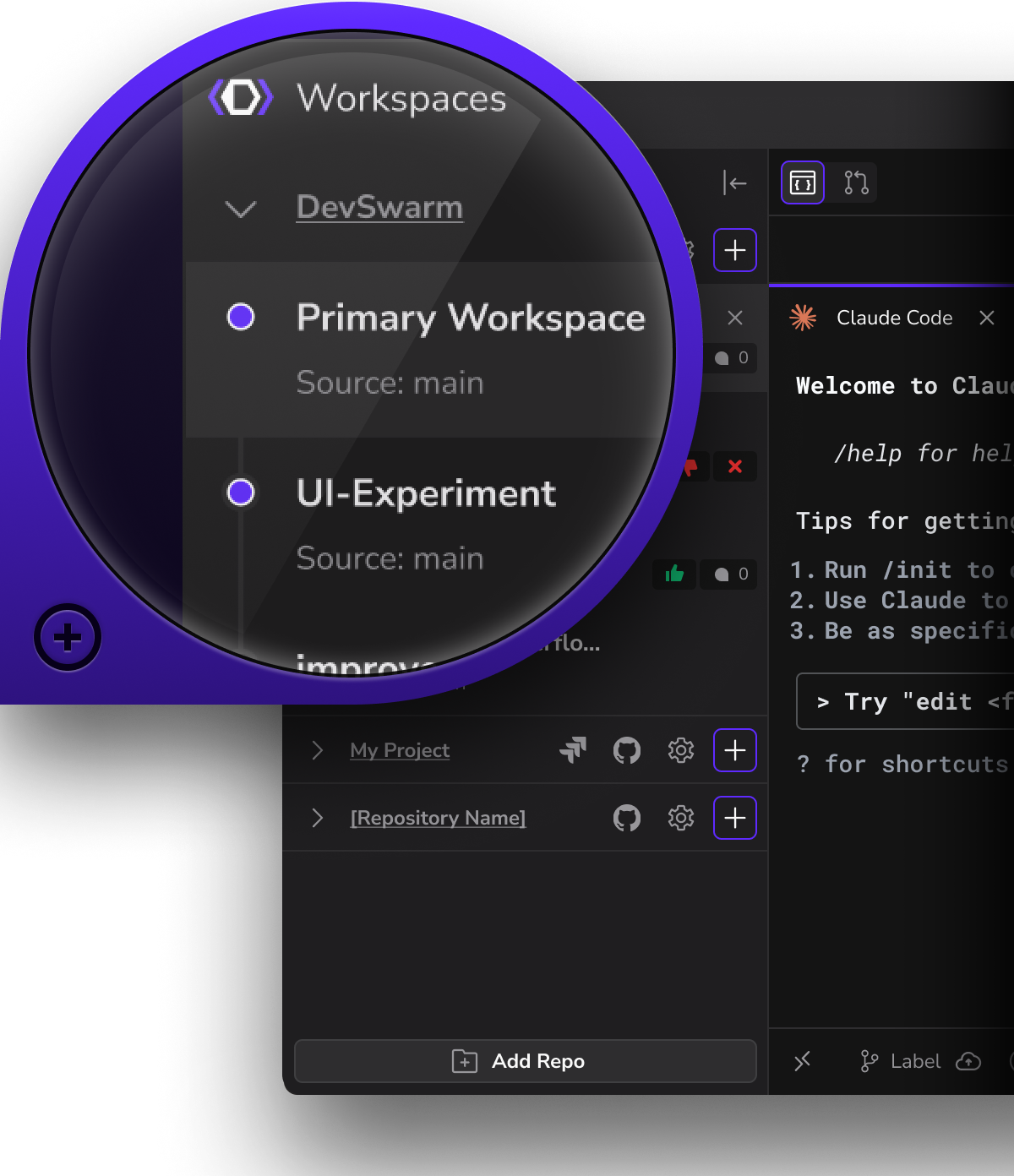
Multi-tasking IDE
Iterate on branches concurrently in dedicated workspaces, each with its own AI code builder.
Achieve peak multithreading with isolated AI agents for testing, bugfixes, and feature dev
Code, review, and revise simultaneously across branches, get from idea to merge in minutes
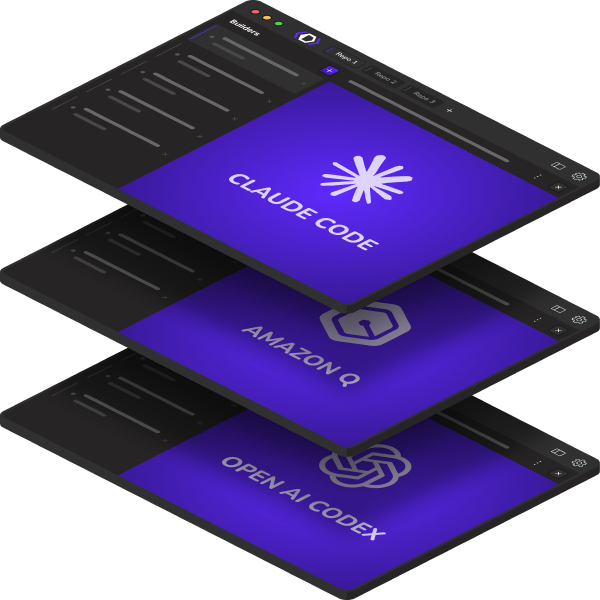
Multi-agent coding platform
Connect DevSwarm to one or more coding agents (19+ options)
Mix and match cloud-hosted and local agents in the same repo
Same prompt, multiple agents, live comparison
Future-proof: As new agents launch, DevSwarm becomes your switching layer, not another wall
HiveControl
Let a lead agent create sub-workspaces, delegate scoped work, and coordinate progress across DevSwarm's workspace and branch model.
A lead agent creates sub-workspaces, assigns scoped tasks, and receives results back, all without leaving DevSwarm
Parent and child workspaces exchange messages so progress stays visible and coordinated
Work stays branch-isolated, reviewable, and under your control, not in a black box
Jira integration
See your Jira issues directly inside DevSwarm. No tab switching or lost context.
Start builders from tickets instantly to turn tasks into active workspaces.
Link commits and progress automatically to Jira so development stays in sync and traceable.
GitHub integration
Push, pull, commit, and merge - all without leaving DevSwarm.
Manage branches, handle pull requests, and review changes in one unified workspace.
Stay synced with your GitHub repos while your AI builders code, test, and commit alongside you.
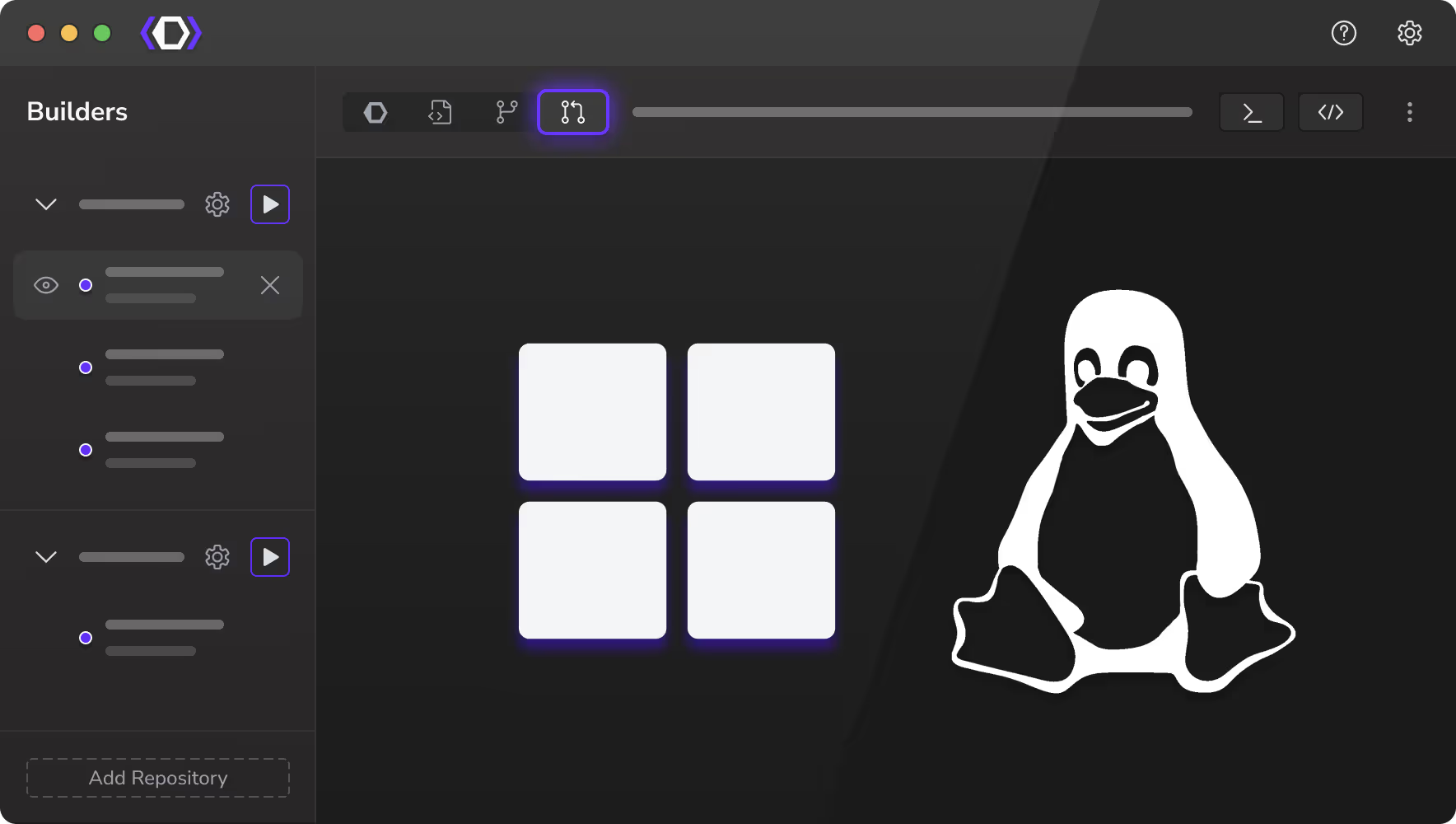
Windows with WSL support
Run DevSwarm natively on Windows - now fully optimized with WSL integration.
Spin up builders, branches, and environments seamlessly between Windows and Linux.
Enjoy full terminal parity and performance without setup friction or compatibility gaps.
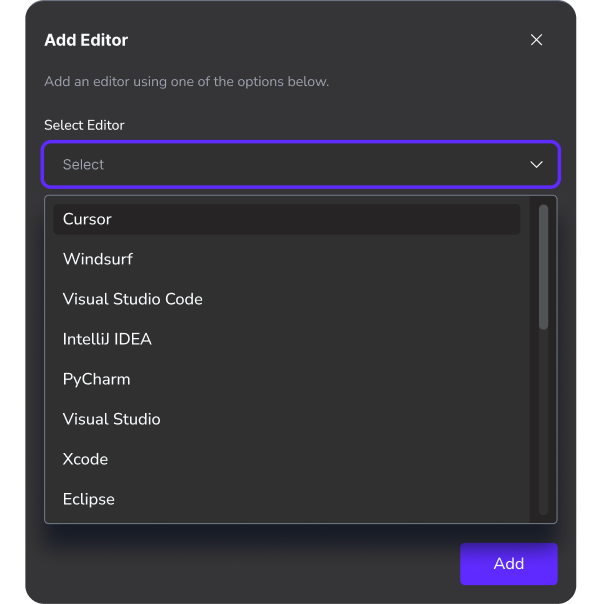
Support your stack
Get started with your current IDE, and switch it up at any time
Use DevSwarm to complement your favorite code editor (choose from 20+ options)
Switch it up as your project needs and preferences evolve
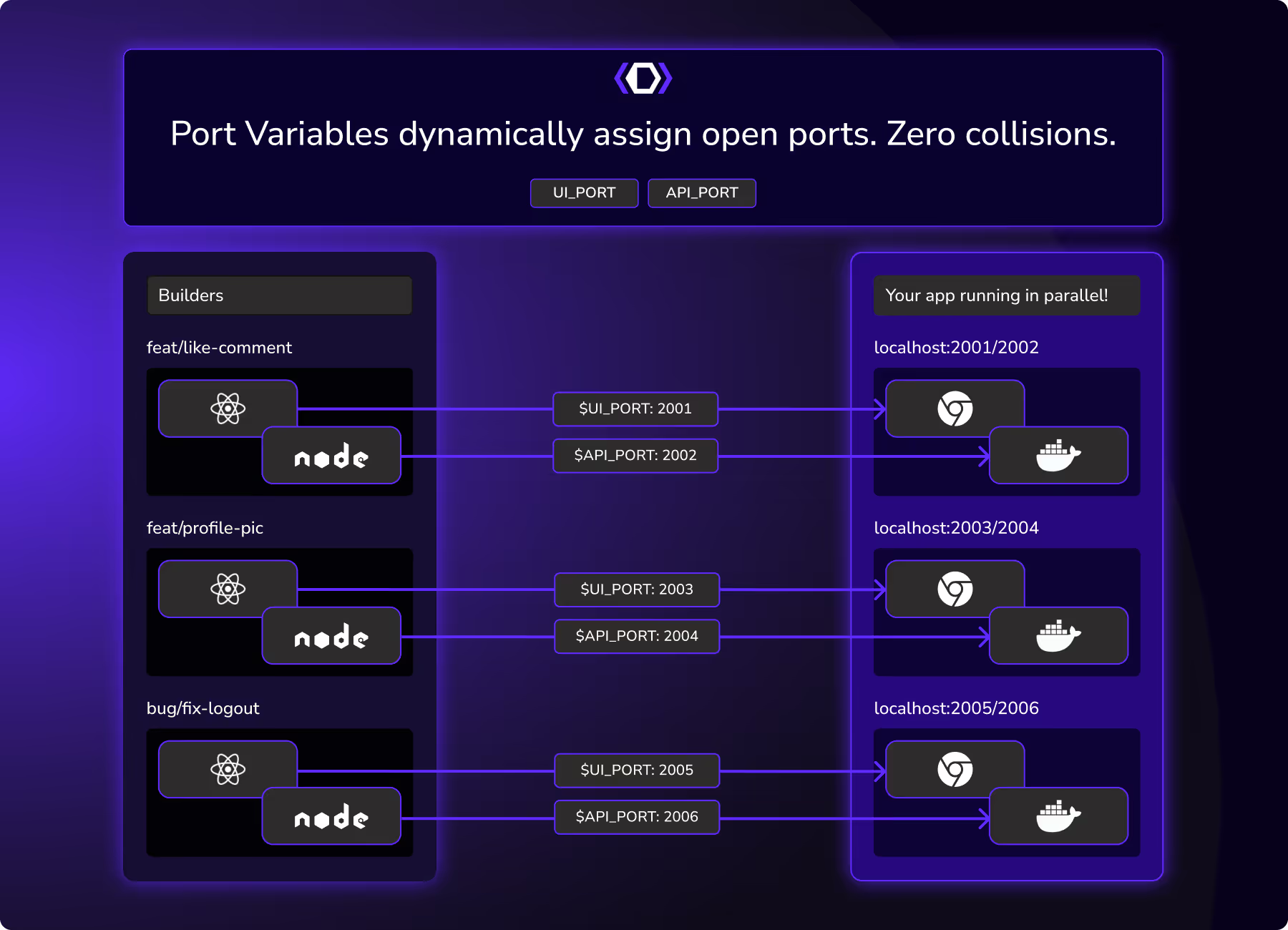
Zero port collisions
Forget "address already in use" errors and server restarts.
Create independent, conflict-free branches with auto-handled port mapping
Test multiple versions of your app side-by-side without Docker pain
What is a multi-agent coding platform?

A vendor-neutral layer that connects all your coding agents into one workspace.

Lets you run agents from different vendors and local models in parallel on the same codebase.

Keeps everything local-first and Git-native, so your security, workflow, and tooling stay intact.
Ship faster with Pro
