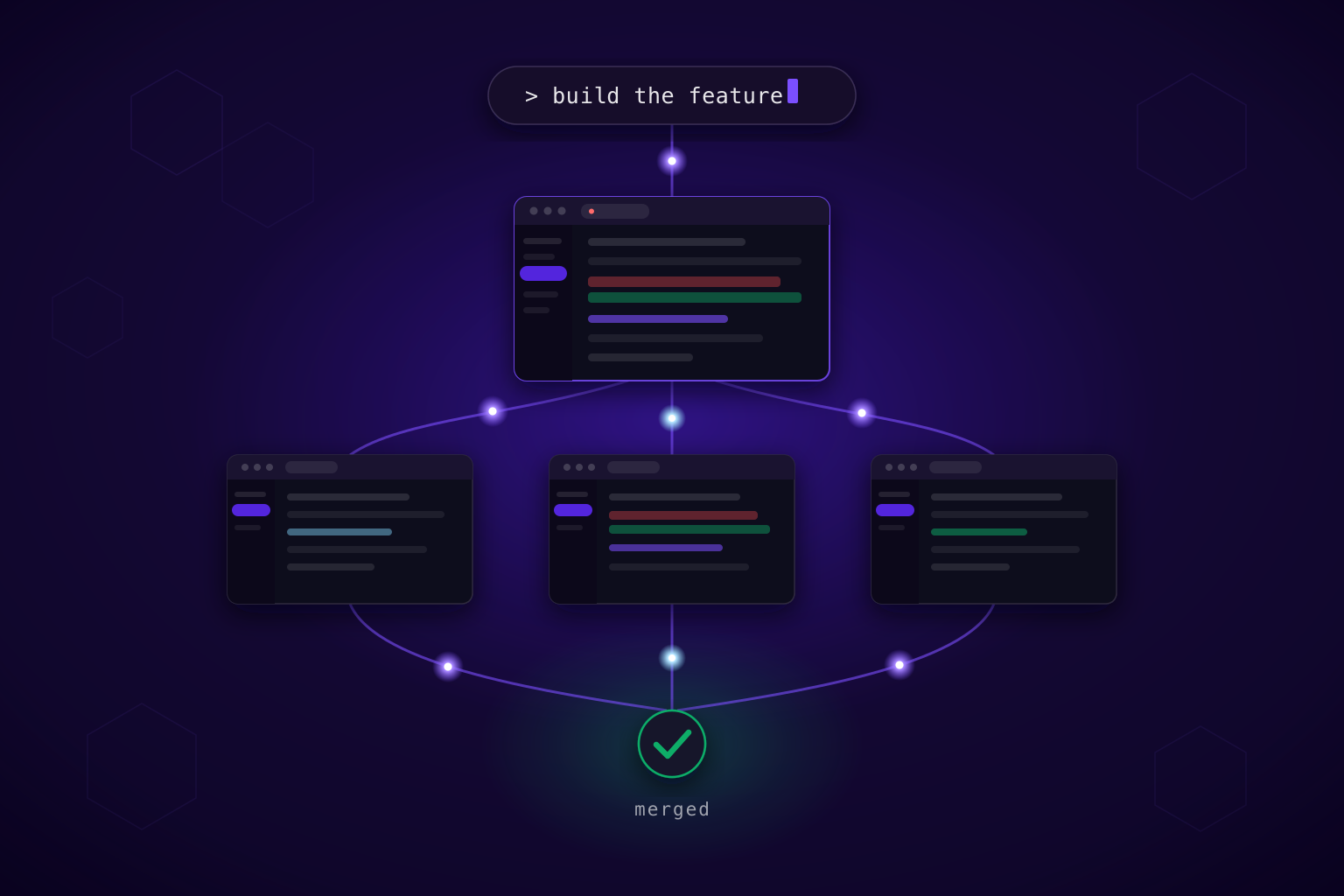
A feature rarely lives in just one repository. Multi-Repo Workspaces let you build and review changes across all your repositories in a single DevSwarm workspace, while each repository keeps its own branches, pull requests, and remote.
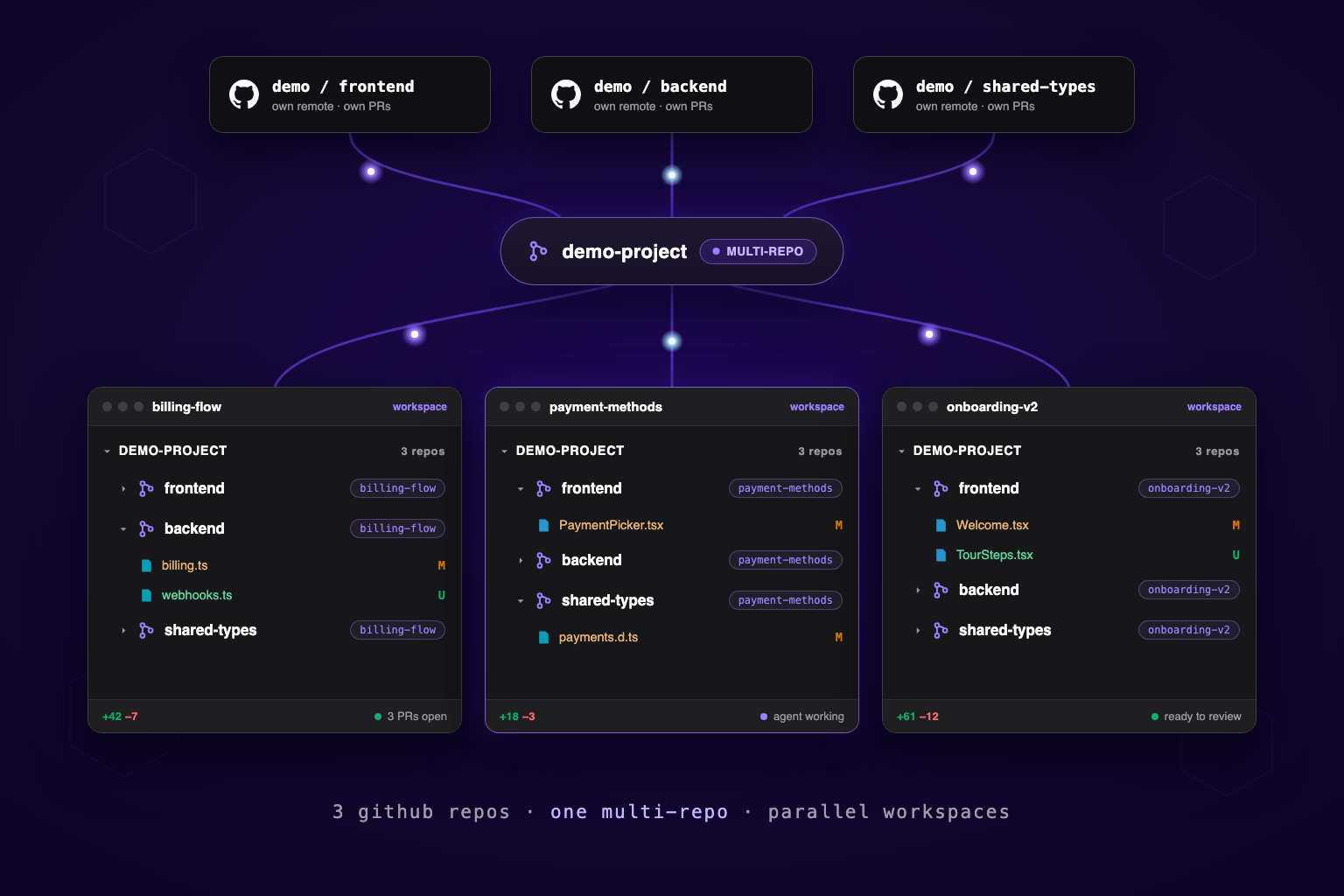
Software teams rarely build a product in one repository anymore. The frontend lives in one repo, the API in another, shared libraries in a third. Infrastructure, documentation, and mobile apps all live somewhere else again. Architecturally, that separation makes sense: different teams own different codebases, release cycles stay independent, and permissions stay clean.
But when it's time to build something, none of those boundaries matter. A feature that touches your web app, its API, and your shared types is one piece of work. Your tools treat it as three: three workspaces to open, three branches to keep in sync, three pull requests to cross-reference in your head. The repositories are independent. The work isn't.
Multi-Repo Workspaces, new in DevSwarm 2.4.0, bring those repositories together into one workflow. Select the repos your change touches, and DevSwarm opens them in a single workspace. You get one place to build, navigate, and review your changes while each repository keeps its own history, branches, and pull requests behind the scenes.
Here is the whole flow in one video: compose the repos into a single workspace, make the change across all of them, and review it once.
What we didn't change
The important part of Multi-Repo is what it doesn't do.
It doesn't merge your repositories. It doesn't ask you to migrate to a monorepo, and it doesn't invent a new layer on top of Git. Every repo in the bundle stays exactly what it was: its own history, its own remote, its own branches, its own pull requests, its own permissions and release process.
What changes is your experience of them. Instead of opening three repos and stitching them together in your head, DevSwarm presents them as one workspace. The architecture stays distributed. The workflow doesn't.
One workspace, every repo
Say you're adding a billing feature. The API needs new endpoints, the shared library needs updated types, and the web app needs a new screen. Open the Create Multi-Repo wizard, compose the repos you want (clone one, choose one you already have, or start a new one), name the bundle, and confirm.
One workspace appears with all three repos inside it, each checked out on its own branch. You make changes across them from a single IDE: search spans every repo, and you move between projects without constantly switching contexts. When it's time to review your work, DevSwarm brings those changes together into one view while each repository keeps its own Git workflow, branches, and pull requests. You still have full control over each repo, but you no longer have to mentally stitch them together.
One review for the whole change
The old way to review a cross-repo change was two or three open PR tabs and a mental map stitching them together. Now it's one review surface.
The unified file list shows every repo's diff in one place. Filter to the api member to scrutinize the contract change on its own. Approve api, and leave a change-request comment scoped only to web. That single verdict fans out to per-repo outcomes, so each repository's pull request carries exactly the verdict you gave it. You review the feature once, and every repo gets the right answer.
Light enough to run in parallel
Making this feel instant took more than opening several repos in one window.
Every repository inside a Multi-Repo is backed by Git submodules, which gives DevSwarm a consistent way to understand how the projects relate. Submodules are now first-class throughout the app: initialized members are tracked, checked out at the workspace's branch, and shown in the sidebar's collapsible Repos sub-section.
When you create parallel workspaces, each member is checked out as a Git worktree that shares the underlying repo's object store instead of creating another full clone. That's what keeps the bundle light: spinning up a fresh workspace across every repo provisions quickly, without duplicating gigabytes of history each time.
Already have a parent repo with submodules?
You don't rebuild anything. Right-click and adopt it as a Multi-Repo, or let DevSwarm classify it automatically when you add it, and the structure your team already maintains becomes first-class: members tracked, worktree'd, and visible in the sidebar. Workspaces you created before a submodule existed even get it backfilled automatically, so nothing is left half-wired.
Multi-Repo gives you the cohesion of a monorepo without restructuring anything. Under the hood it is still N repos with N branches and N pull requests, each pushing to its own remote. DevSwarm orchestrates all of that so you experience the bundle as one unit of work, and your repos stay exactly as separate as they were.
We keep coming back to one idea while building DevSwarm: developers spend too much time adapting themselves to their tools instead of the other way around. Features don't live inside repository boundaries, and a tool shouldn't ask you to reorganize your architecture before it helps you. It should adapt to the architecture you already have.
Update to DevSwarm 2.4.0 or later, bundle the repos you already change together, and work across them as one.